Getting friends around one poker table when everyone lives in a different city takes about ten minutes. You need an app where you can open a private table and let in only your people. Here is how it works in ClubGG — a free poker client where play runs on play chips and tables live inside clubs.
Why the club format rather than a “free poker” game from the app store: in regular games you land at a public table with strangers and ads. In a club the table is yours — you choose the game (Hold’em, Omaha), blinds, number of seats, the time, and only the people you invited sit down.
- Play from iPhone, Android, Windows and macOS — everyone at the same table.
- Formats: No-Limit Hold’em, PLO4/5/6, tournaments, Bomb Pot and Double Board.
- The table lives as long as you need: one evening or a permanent “home” table.
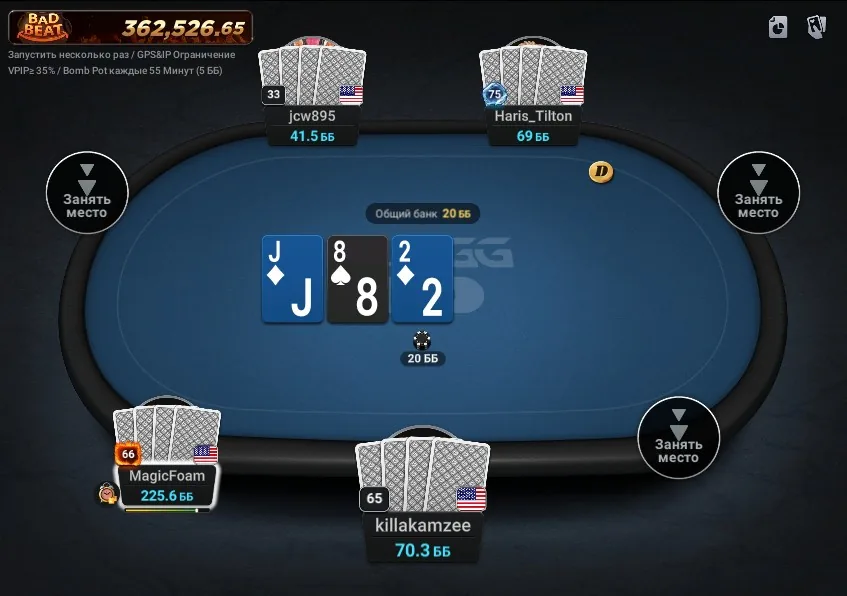
Setting up a table for your crew: 5 steps
The whole path — from installing the app to the first hand. If anything goes wrong, the club manager helps on Telegram.
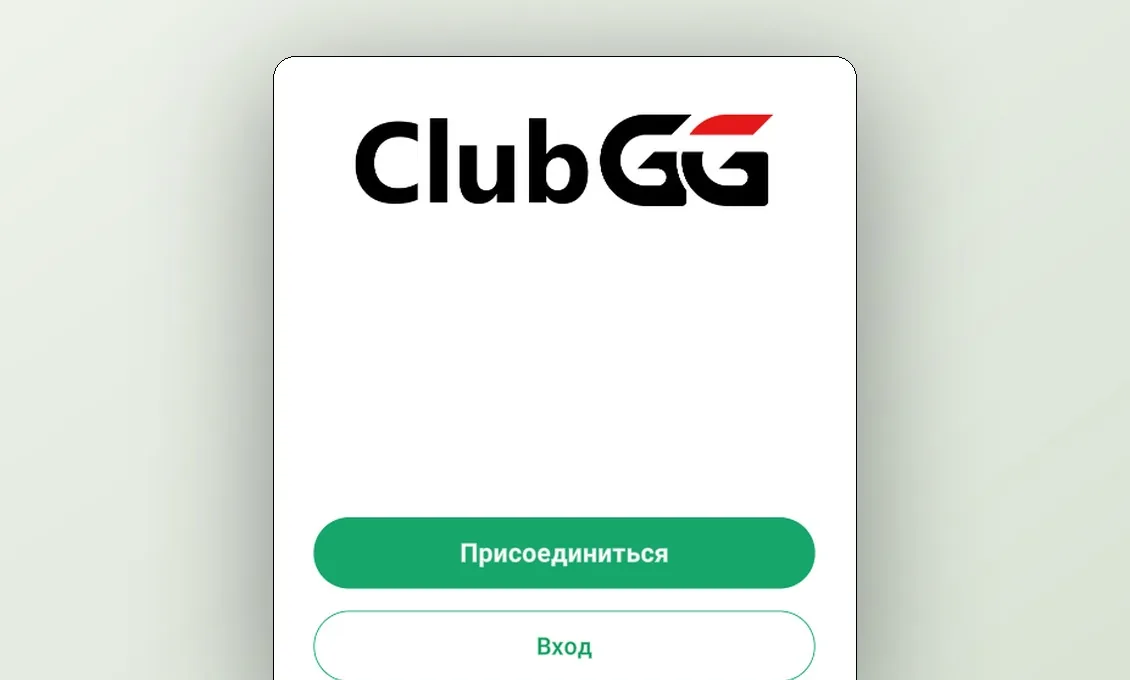
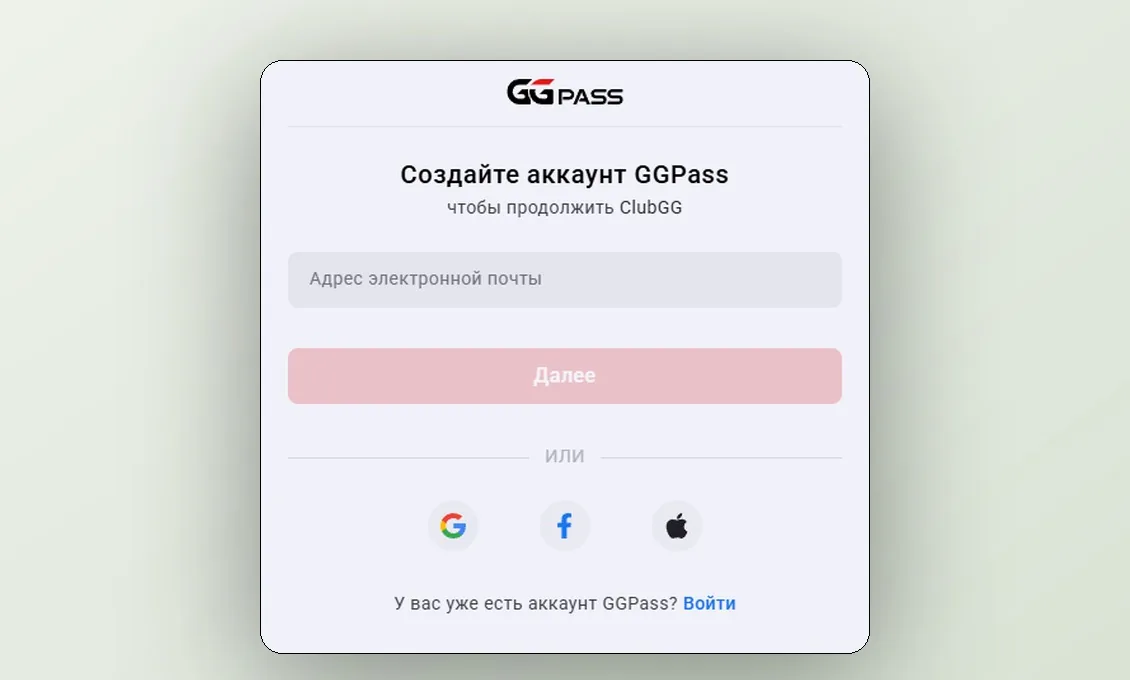
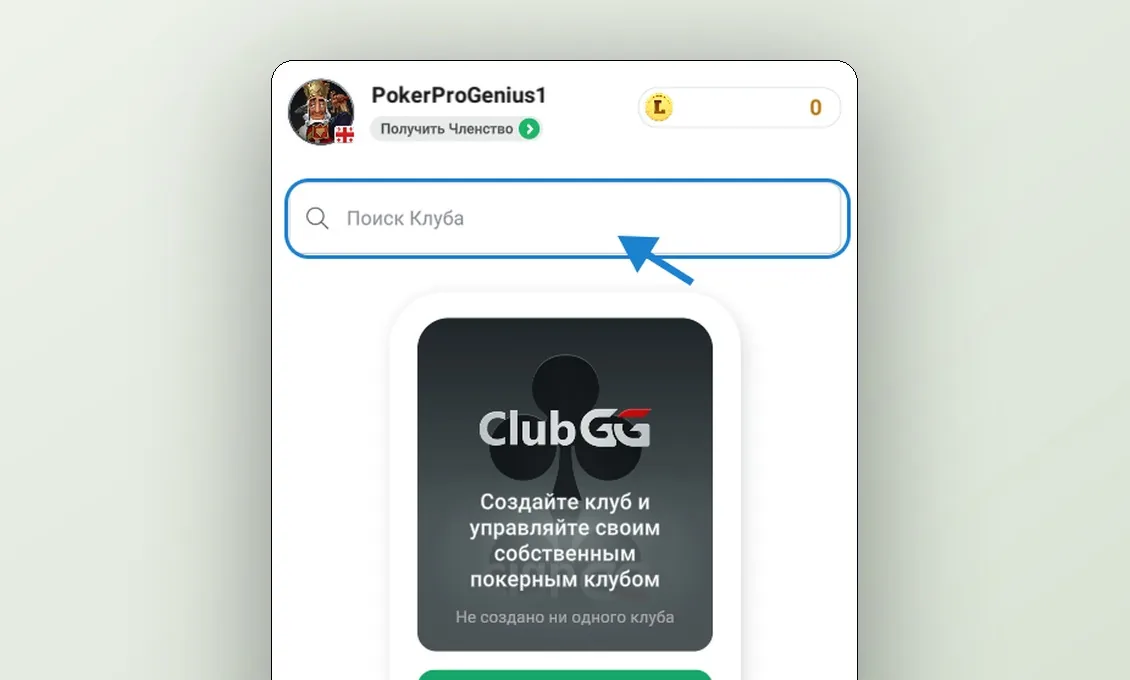
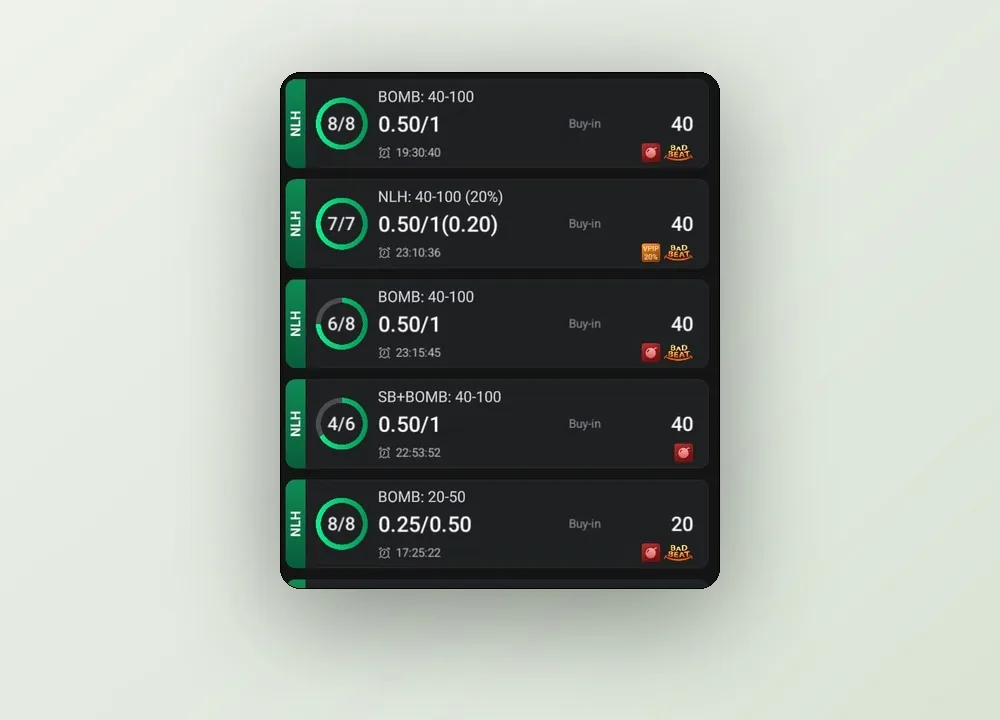
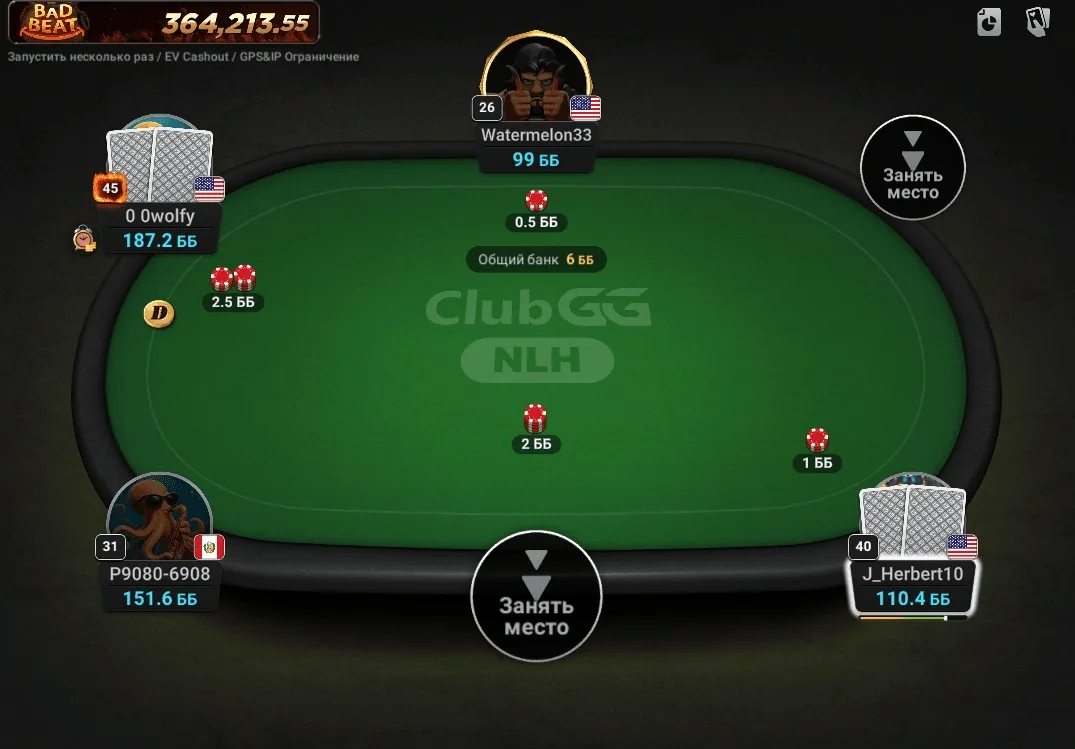
Table settings you can choose
In club poker the table is set up for your group, not the other way round. What people usually ask for a home game:
| Setting | Options | Tip for a friends game |
|---|---|---|
| Game | NLH, PLO4, PLO5, PLO6 | Start with Hold’em; add Omaha once everyone knows the rules |
| Blinds | from 0.05/0.10 up | Low blinds and a 100 BB buy-in last the whole evening |
| Seats | 2–9 | 6 seats keeps the game lively with less waiting |
| Buy-in | 20–100 BB | The same for everyone so nobody bullies with a stack |
| Special modes | Bomb Pot, Double Board, Straddle | A Bomb Pot every N hands is fun and does not disrupt the game |
| Access | Open / password | Password — only your people get in |
Why ClubGG beats “home games” in regular apps
- One table for every device. A friend on iPhone, you on Windows, another on Android — no separate versions.
- No random players. Nobody gets to a password-protected table uninvited.
- Chips come from the manager. No waiting for “free chips every 4 hours” — everyone starts with the same stack.
- A full client. Multi-tabling, hand history, stats, tournaments — like a big room, but within your crew.
A tournament for your group
If you want “who wins the night” rather than a cash table, ask the manager for a private tournament: starting stack, 8–10 minute blind levels, 6–9 players. It takes an hour and a half or two and ends with a clear winner. For a bigger group a two-table Sit & Go works better.
If your friends are not online yet
MOJO clubs run tables around the clock: MOJO : MU has hundreds of union tables at every stake, MOJO : ALLIN offers a calm game with a vetted roster. Sit in and practise while the crew gathers.
Tell the manager when you play and how many of you there are — the table and chips will be ready at the agreed time.