How to install ClubGG on Android
Step-by-step guide with screenshots: from download to first launch — 5 steps, a few minutes.
1
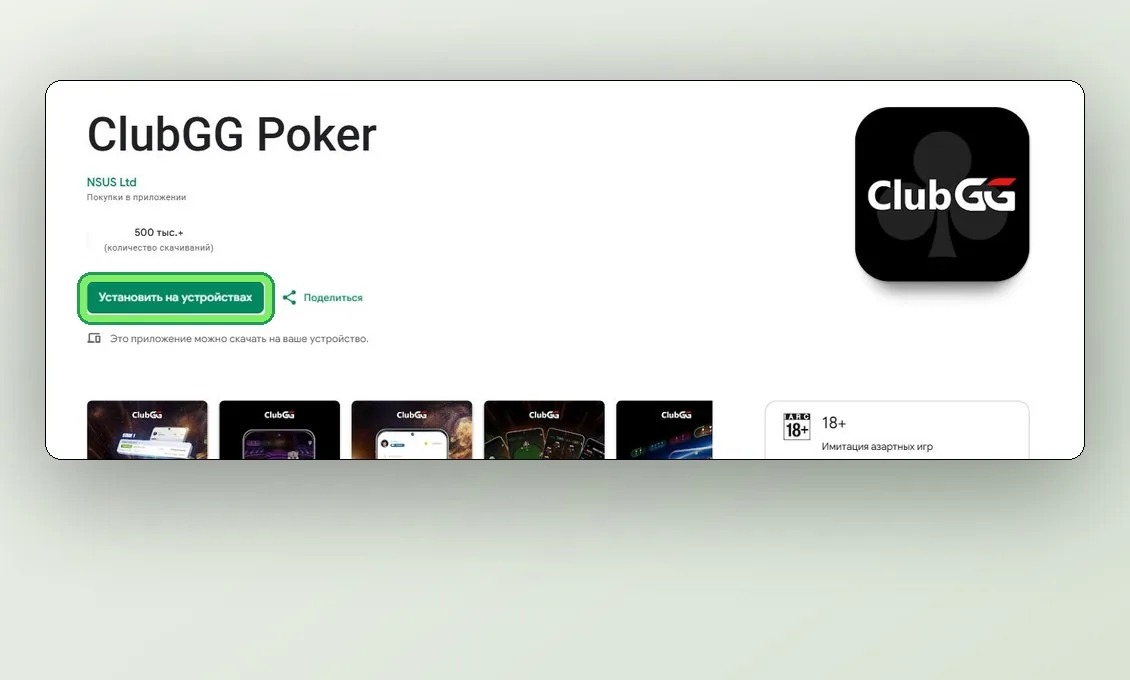
Install from Google Play
The easiest way: open the ClubGG Poker page on Google Play and tap Install. If the store is unavailable in your region, download the APK from clubgg.com (step 2).
Open in Google Play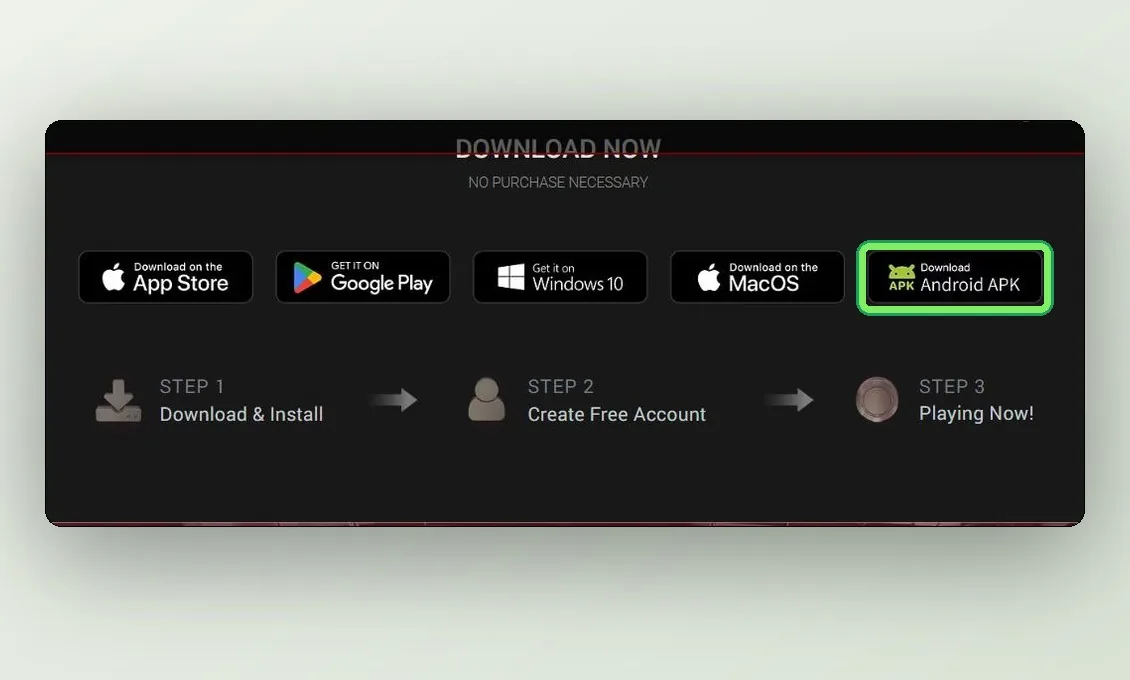
2
Or download the APK from clubgg.com
In the Download Now section of the site press “Download Android APK”. The file lands in Downloads.
Open clubgg.com9:41●●● 5G ▮
Install unknown apps
Settings › Apps › Special access
ChromeAllowed
FilesAllowed
TelegramNot allowed
GmailNot allowed
3
Allow installs from unknown sources
Open Settings → Security (or Apps) and enable "Install from Unknown Sources" for your browser or file manager.
9:41●●● 5G ▮
ClubGG
ClubGG Poker
ClubGG_xx_xx.apk
Do you want to install this application? It will get access to the features below.
CancelInstall
4
Open the APK and tap Install
Open the downloaded APK and tap "Install".
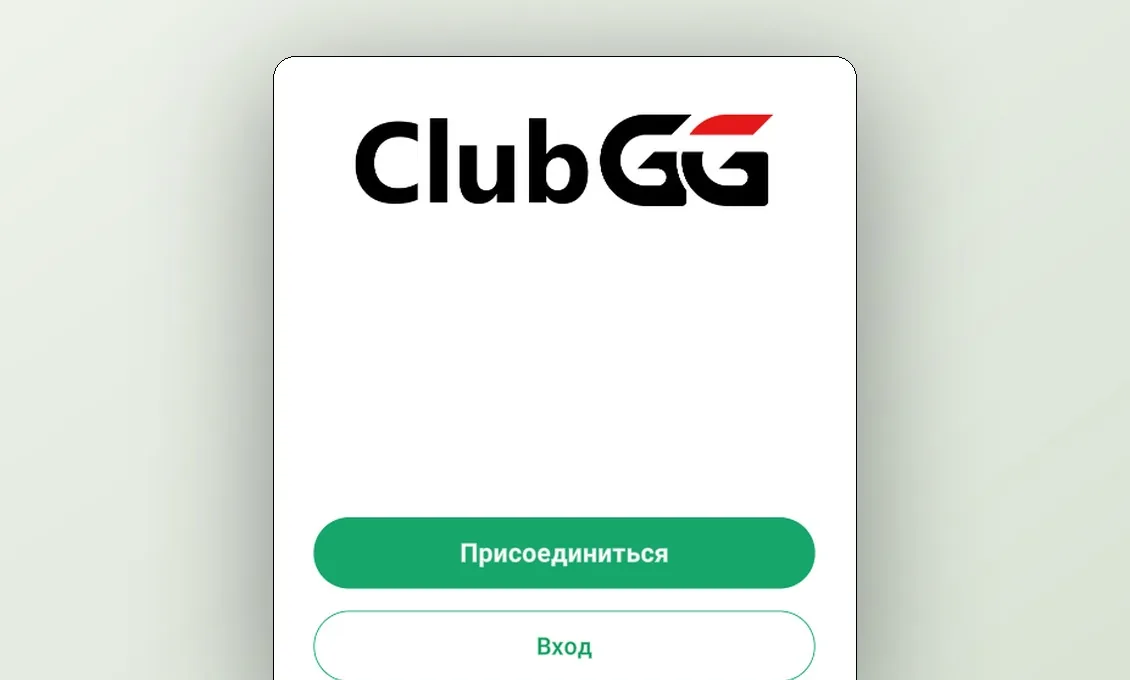
Note: The exact path may vary by device. If prompted by the system, tap "Allow".
App installed?
Next step — find the club and join.
Ready to sit down?
Join MOJO today — the manager will get you chips and a seat within minutes.