Screenshots from clubgg.com and the app — the whole thing takes a couple of minutes.
1
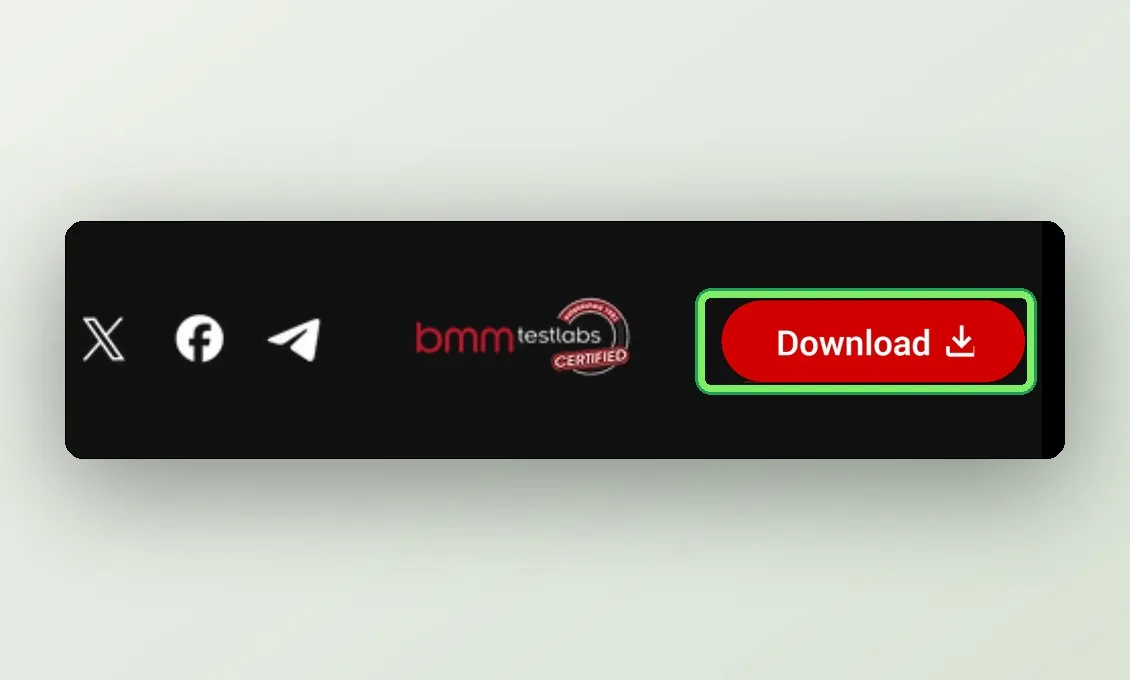
Open clubgg.com and press Download
The Download button is in the top-right corner. On a computer it downloads the Windows installer straight away; on a phone it opens the app store.
2
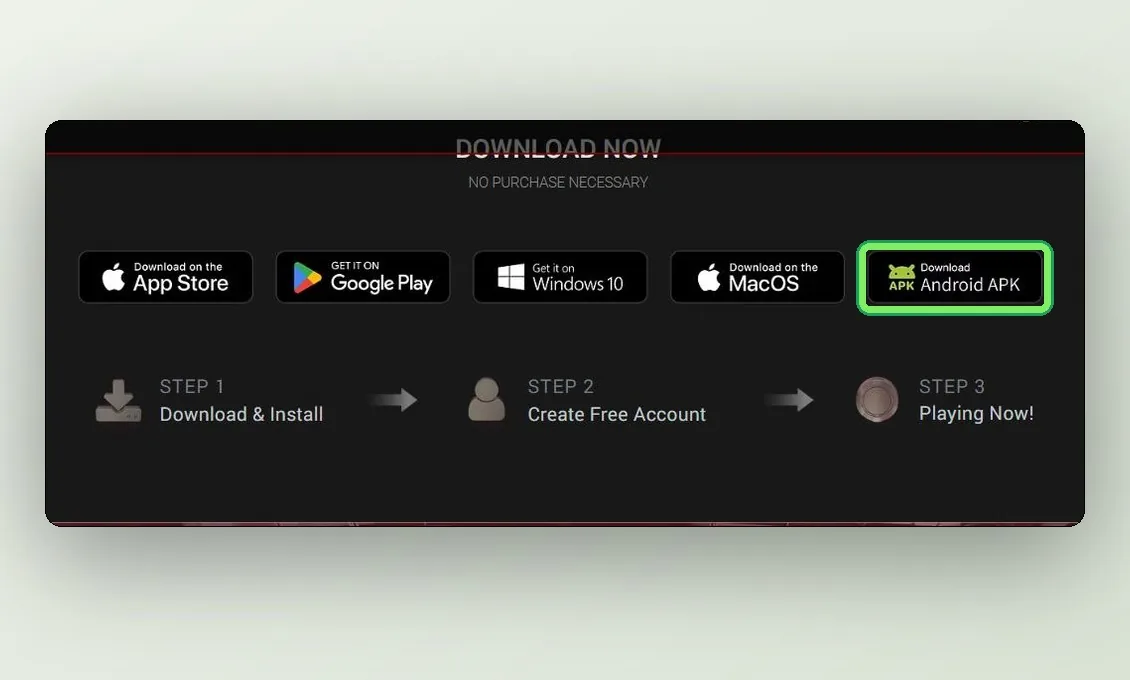
Pick your platform
A little further down the site is the Download Now section with buttons for every system: App Store, Google Play, Windows 10, macOS and Android APK. Get the desktop builds and the APK from here — it always has the current version.
3
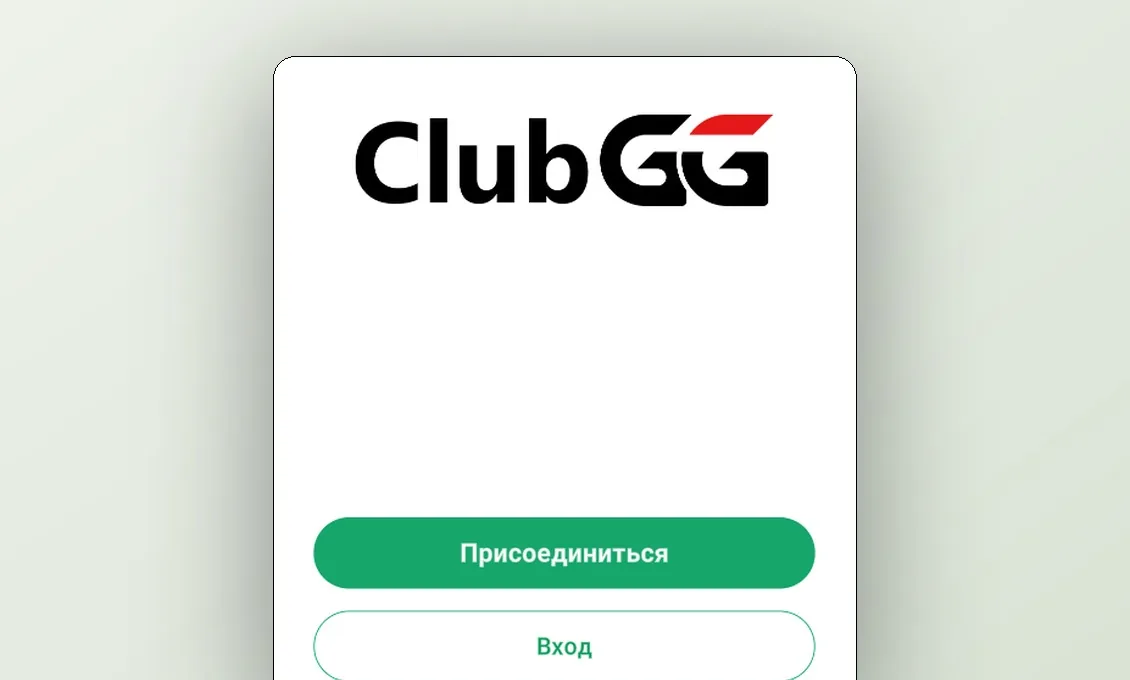
Install and open the app
On Android allow installs from unknown sources, on Windows run the .msi, on macOS drag the app to Applications. You will see the ClubGG start screen with the Join button.